




Get more from your account with a GBP web login
Check and download your POD
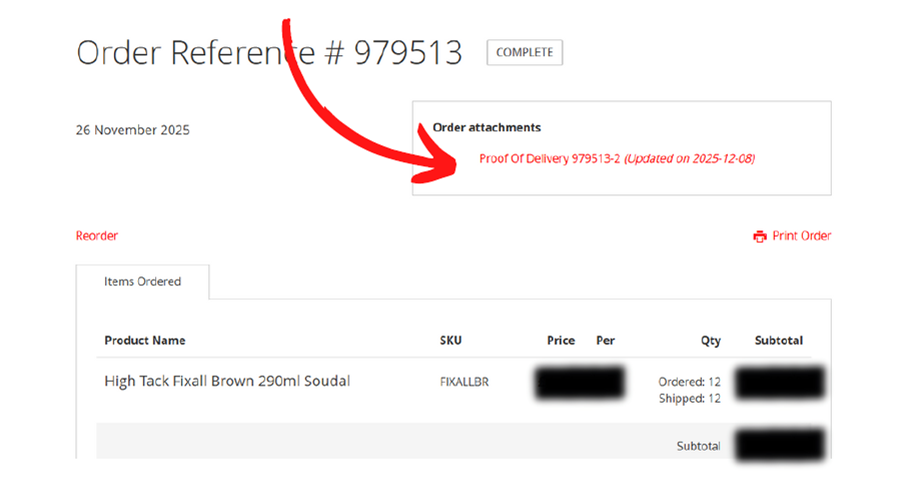
Customers with a login can access their account to view the Proof of
Delivery (POD) once an order is complete. From there, you can
download a copy if needed. This gives you a single place to see who
signed for the delivery and which items were delivered.
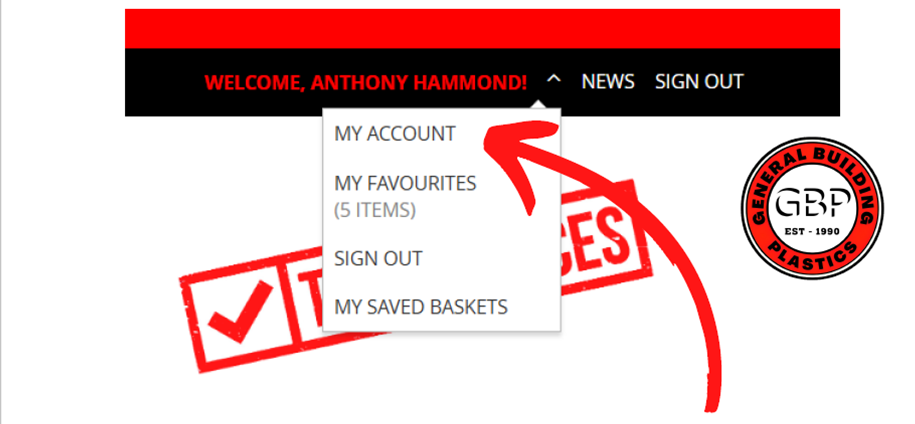
Once you are logged into your account click on “My Account”
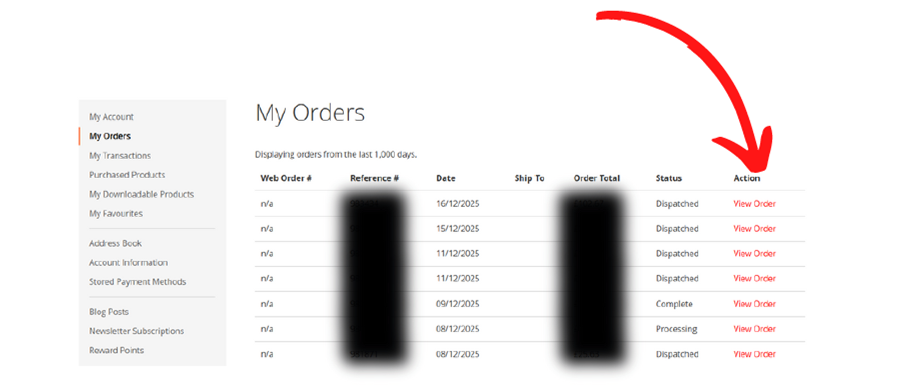
You can view both online and over the counter orders in your account.
Each order shows its current status, including whether it has been
dispatched. For part-dispatched orders, you can click in to see exactly
which items have been sent and which are still outstanding.
Once an order is complete, you can click on the POD to view it. You can
also access PODs for all of your past orders.
Request a copy of an Invoice
Once you are logged into your account
click on “My Transactions”
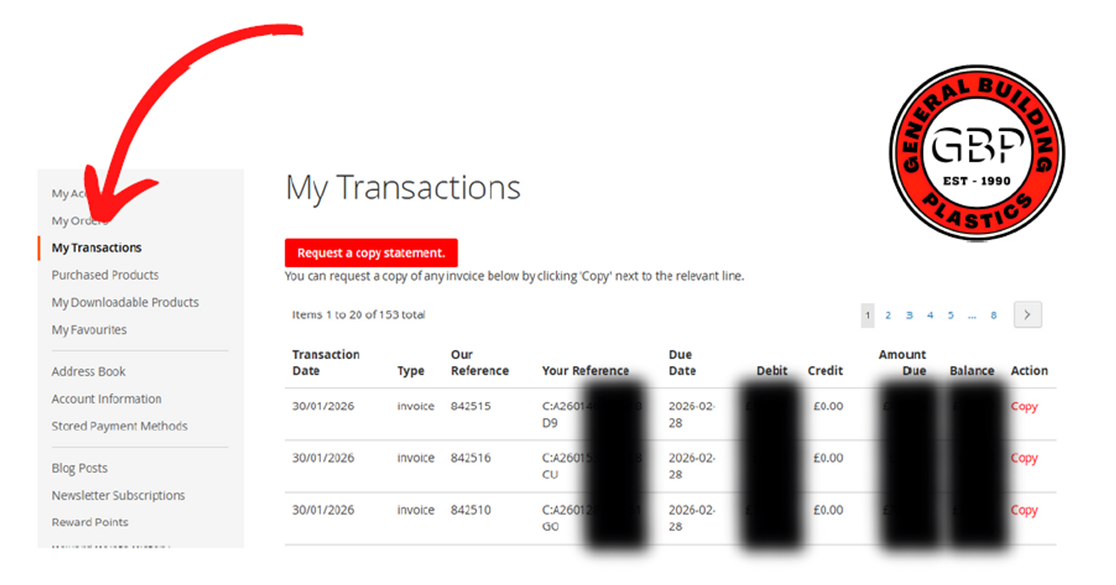
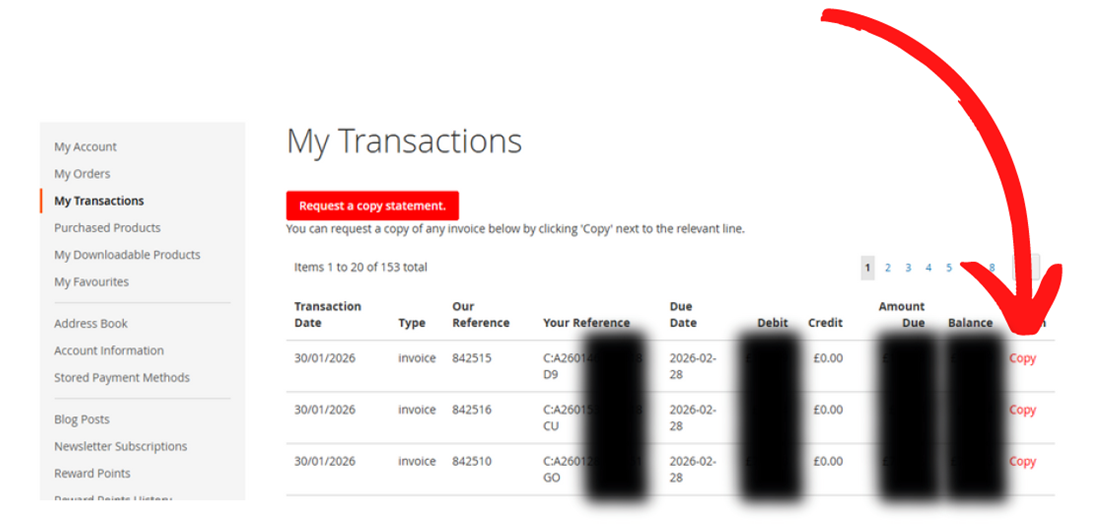
Click “Copy” on the invoice and it will be emailed
to the address you’re logged in with within
minutes, in PDF format, ready to download or
print.
Quote a job using your prices
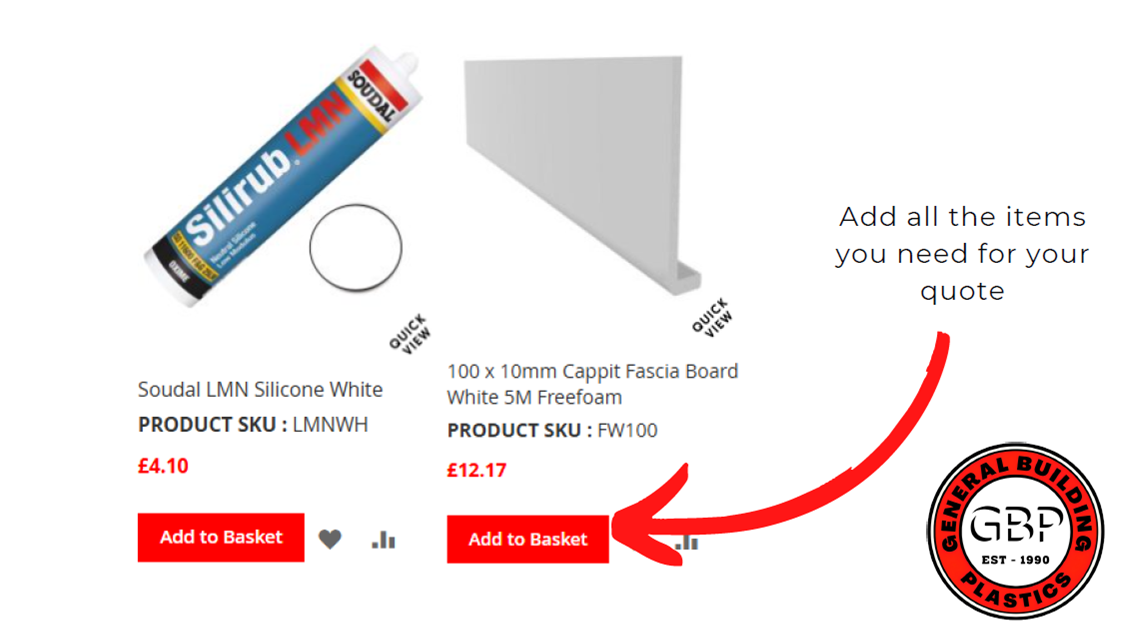
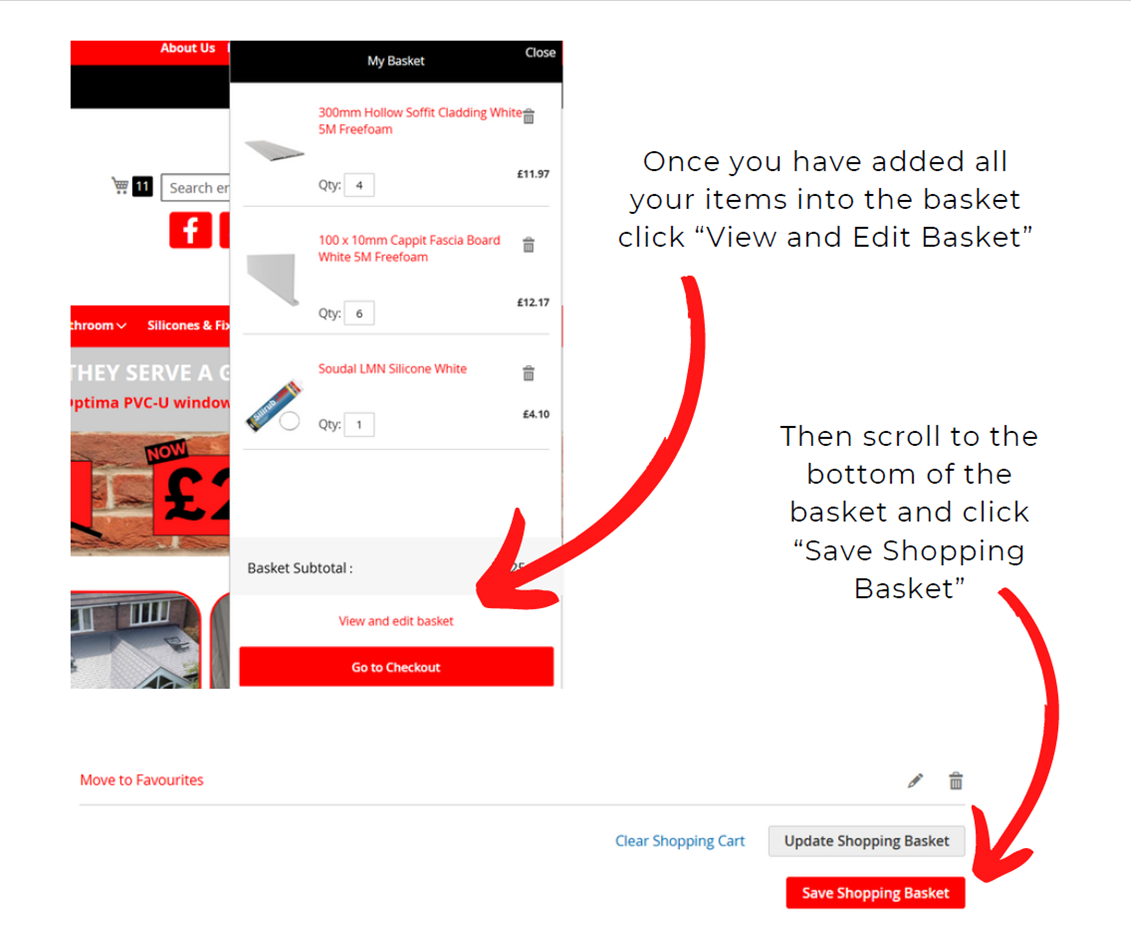
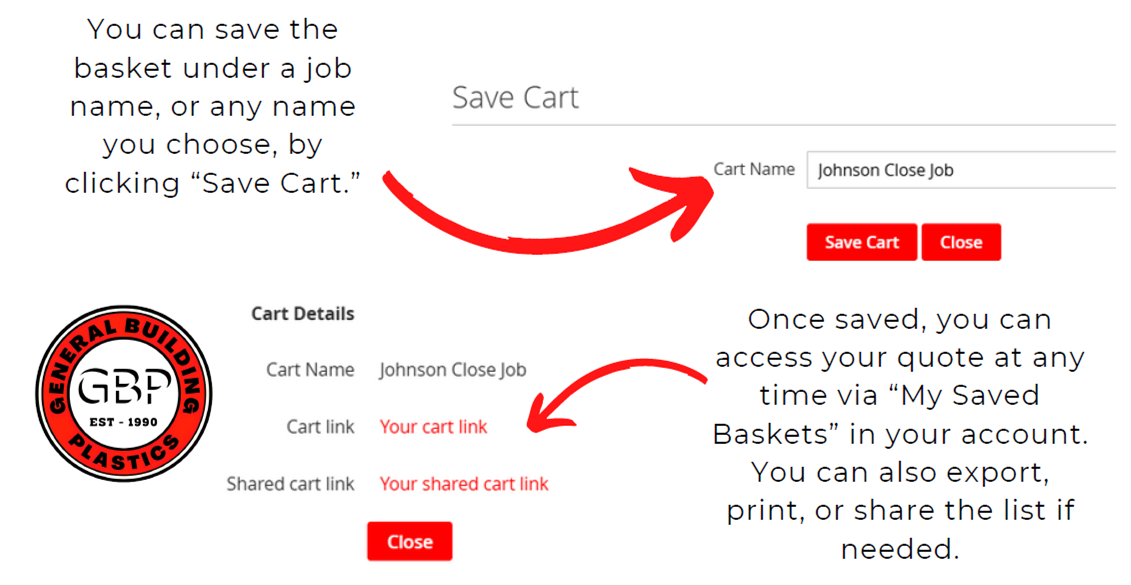
You can add all items to a single basket and save it for later. This is
useful when quoting for jobs, as you can return to the saved basket and
place the order when you’re ready.
If you havent got a login to the website,
please feel free to contact us on 01889 572872
or through our E-Mail: Online@gbplastics.co.uk
and we will set you up with your own login.


